Free YouTube Video Summarizer

Paste a YouTube link to get an AI summary with key takeaways you can save or share.

  • Unlimited free summaries
  • No sign-up required
  • 3 summary lengths
  • No extension needed
See an example

See what a Quick summary looks like

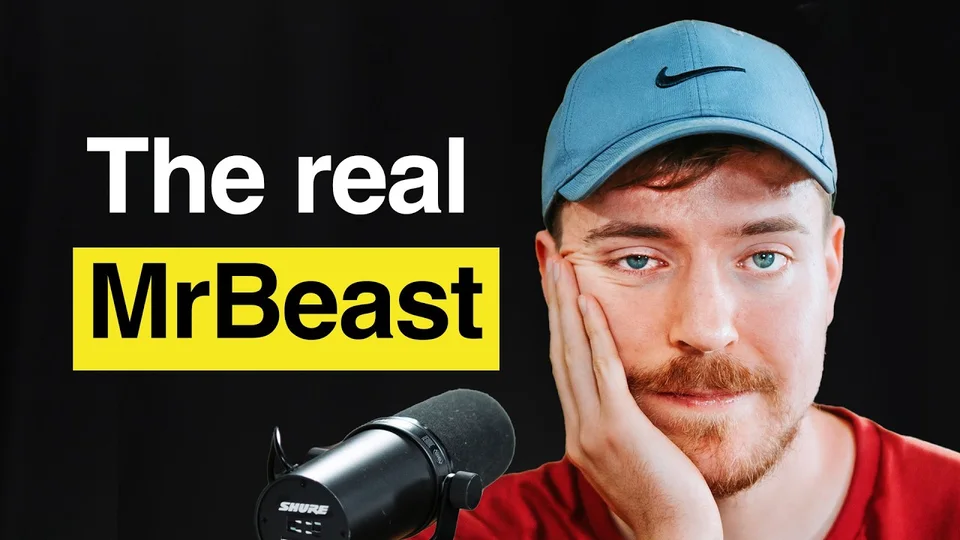
A Brutally Honest Conversation with MrBeast

The Colin & Samir Show

Try this video

Example summary

At a glance

MrBeast talks with Colin and Samir about making videos people want to finish, building a business around YouTube, and handling the pressure of fame.

Key points

  • He looks back at what made his most viral video work.
  • He explains how storytelling keeps viewers engaged.
  • He discusses the pressure of fame and how it affects his life outside work.

How to summarize a YouTube video

  1. 1. Paste a link

    Paste a public YouTube link and select Summarize video.

  2. 2. Choose a summary length

    Pick Quick, Detailed, or Very Detailed, then generate your summary.

  3. 3. Read your summary

    Skim the main idea and save the key points you want to keep.

Choose how much detail you want

  • Quick

    Get the main ideas at a glance.

  • Detailed

    See the main ideas with context and examples.

  • Very Detailed

    Read a fuller walkthrough of the video.

What you get in a YouTube summary

  • Main idea

    See what the video is about.

  • Key points

    Find the ideas worth keeping.

  • Timestamps

    Jump from the summary to key moments in the video when timestamps are available.

  • Copy and download

    Keep a copy of your notes.

Compare free YouTube summary generators

FeatureYouTranscriptsOther free tools
Free accessUnlimited free summaries in your browser with no sign-upFree access varies. Some tools ask you to create an account.
Summary lengthChoose Quick, Detailed, or Very Detailed every timeSome tools offer a basic summary on the free plan and more options on paid plans.
Source linksJump to key moments from the summary when timestamps are availableSome tools offer clickable timestamps through a browser extension.
Save a copyCopy or download your summary and download the full transcript separatelySome tools let you copy the text or export it to a notes app.

Make long videos easier to use

  • Study a lecture

    Review the concepts before class or turn a recorded lecture into revision notes.

  • Follow a tutorial

    Pull out the instructions you need and revisit the relevant part of the video.

  • Catch up on a podcast

    Pick out the main arguments and decide which parts you want to hear in full.

Frequently asked questions

Can I summarize a YouTube video for free without signing up?

Yes. Generate unlimited free summaries without an account. If many requests come in at once, you may need to wait briefly before trying again. Fair use applies

What if a video has no transcript?

The AI uses the transcript. If YouTranscripts can’t get one for that video, try another public video with captions.

Can I summarize a long video?

Yes, when YouTranscripts can load a supported transcript. Long videos may take more time. Start with Quick for the main ideas, or choose a longer summary.

Can I summarize a video from a YouTube playlist?

Yes. Open the video in the playlist and paste that video’s link. The tool summarizes one video at a time.

What languages can I use?

Try a video with an available transcript in its source language. The Summary panel shows the available output languages.

Can I copy or download a summary?

Yes. Choose Copy or Download after your summary is ready. The menu shows the formats available for that result.

What is the difference between a transcript and a summary?

A transcript shows the spoken words. A summary pulls out the main ideas. YouTube Transcript Generator

Summarize your next video

Back to the tool